YouTube Scout: Topic Research
YouTube Scout is the FOXI Studio module for finding future video topics. It helps you avoid guessing ideas blindly and instead collect topics based on niche, language, country, competitors, YouTube analytics, and AI brainstorming.
Scout’s main task is to prepare the topic queue that FOXI later uses for full-cycle video production.
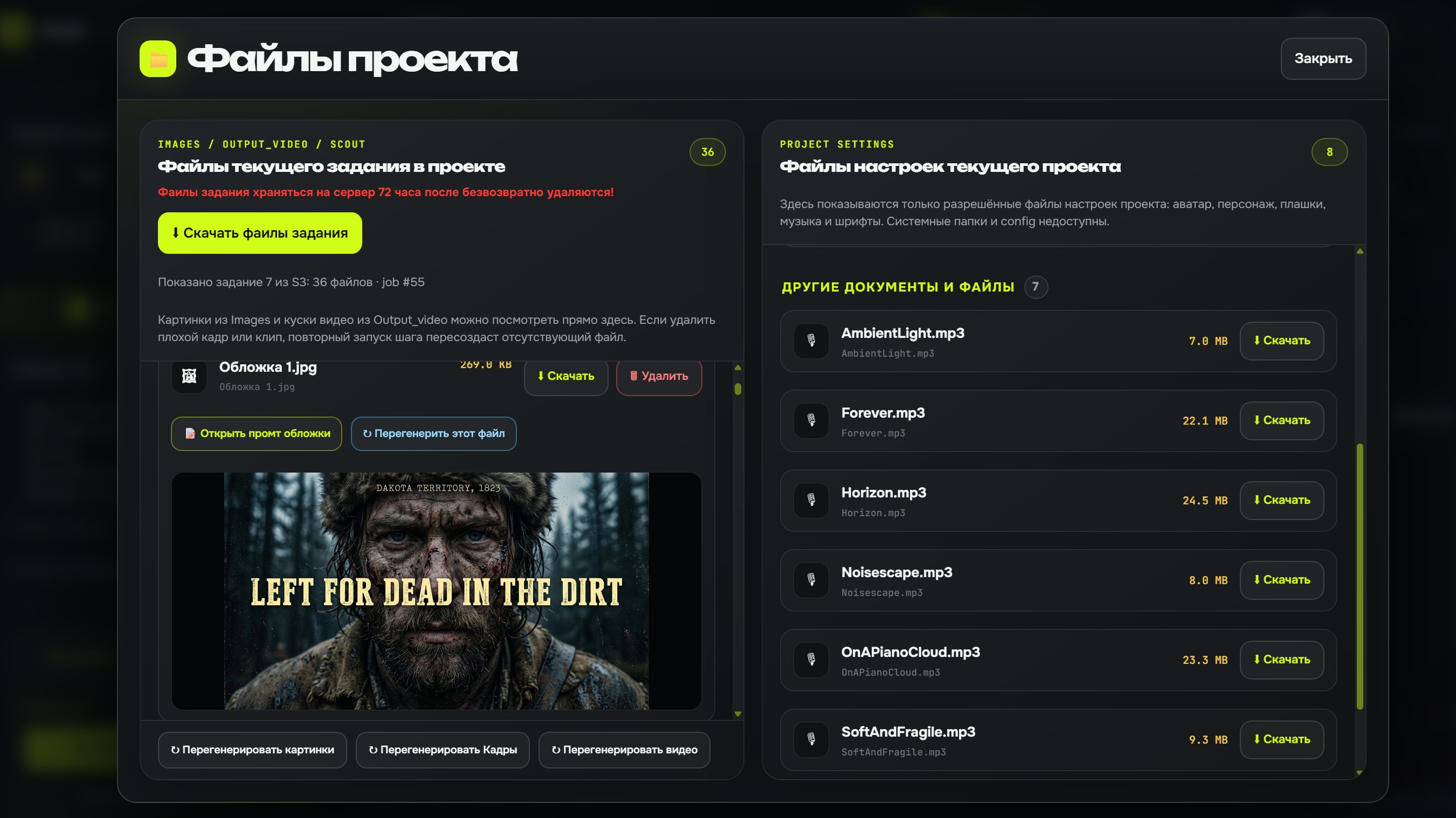
When to use Scout
Use Scout when:
- you run out of video ideas;
- you need a content plan quickly;
- you launch a new channel and want to test the niche;
- you want topics similar to successful competitor videos;
- you need to account for language, country, and audience;
- you need to exclude completed or forbidden topics.
After Quick Setup and AI Configurator, Scout usually already receives part of the project context: channel description, country, language, competitors, and niche rules.
Two main approaches
Scout can use two approaches.
| Approach | When it fits | What matters |
|---|---|---|
| YouTube analysis | Topics should be based on real demand and competitors | YouTube API keys and Google Cloud quota are required |
| AI brainstorming | You need fast ideas from the channel description | A strong niche and audience description is important |
For the first launch, AI brainstorming is often easier. YouTube analysis is stronger when you have keys, competitors, and understand quotas.
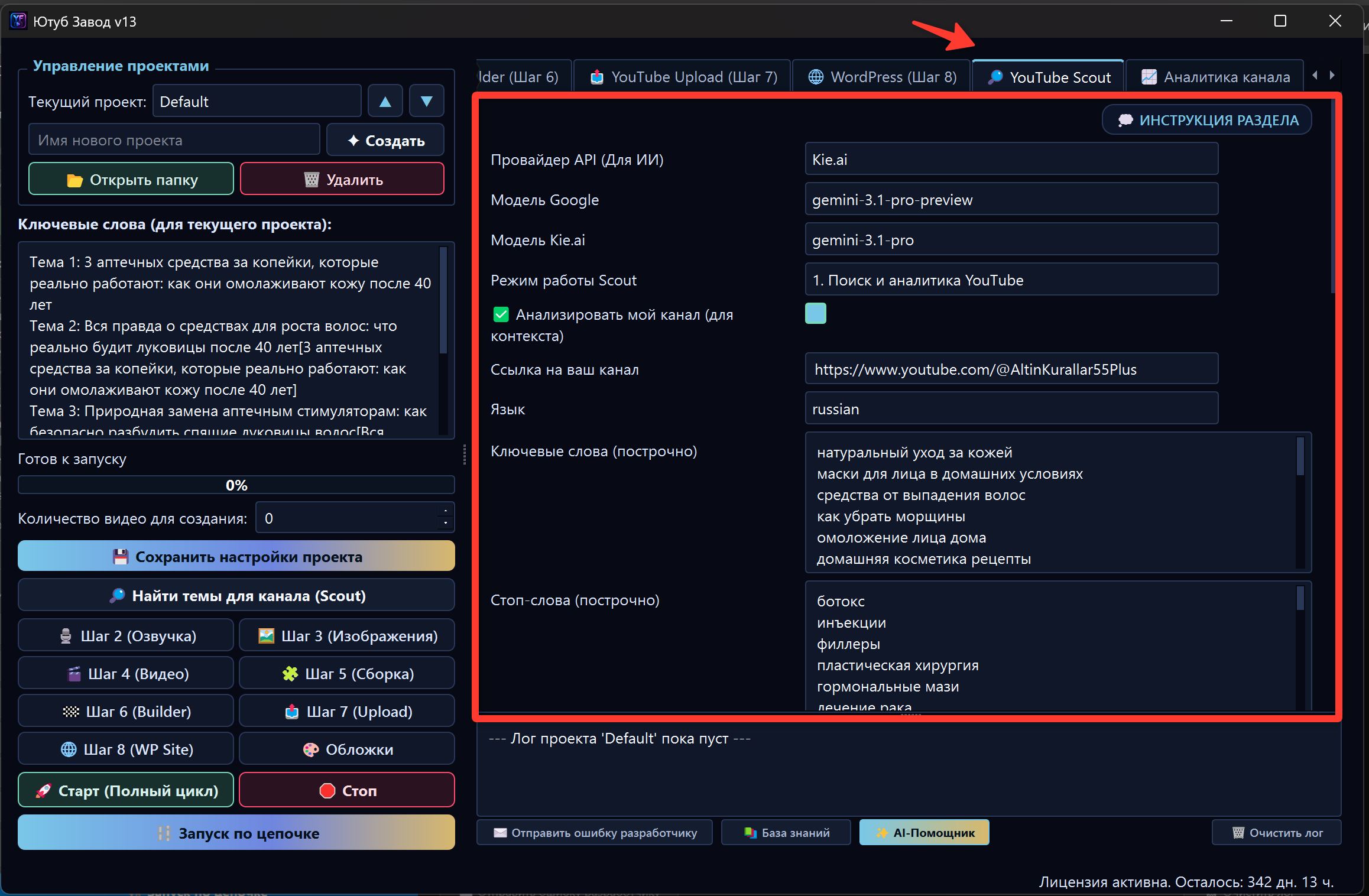
YouTube API keys and quota
The YouTube analysis mode requires YouTube API keys. One key has a daily quota, so stable work usually requires several keys.
Practical recommendation: prepare 7 keys or more, especially if you plan active topic checks. Paste keys separated by semicolons:
KEY_1;KEY_2;KEY_3;KEY_4
Important: several keys from one Google Cloud project usually share the same project quota. To actually increase the available limit, create keys in different Google Cloud projects with YouTube Data API v3 enabled.
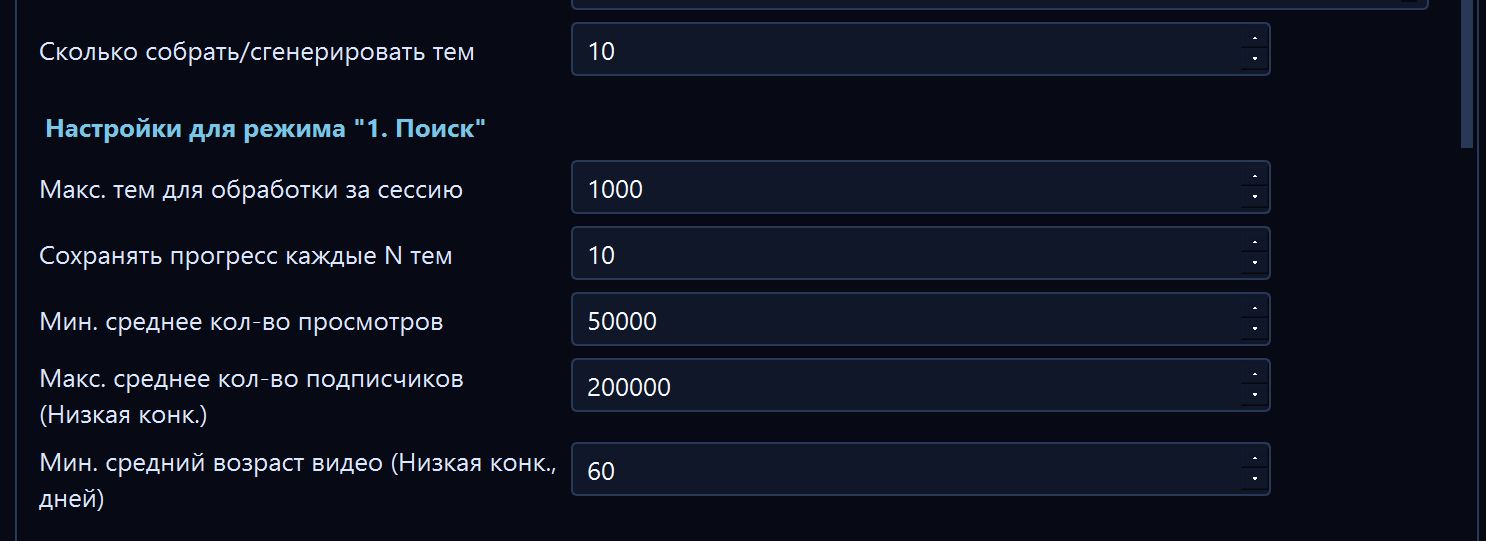
What to configure before launch
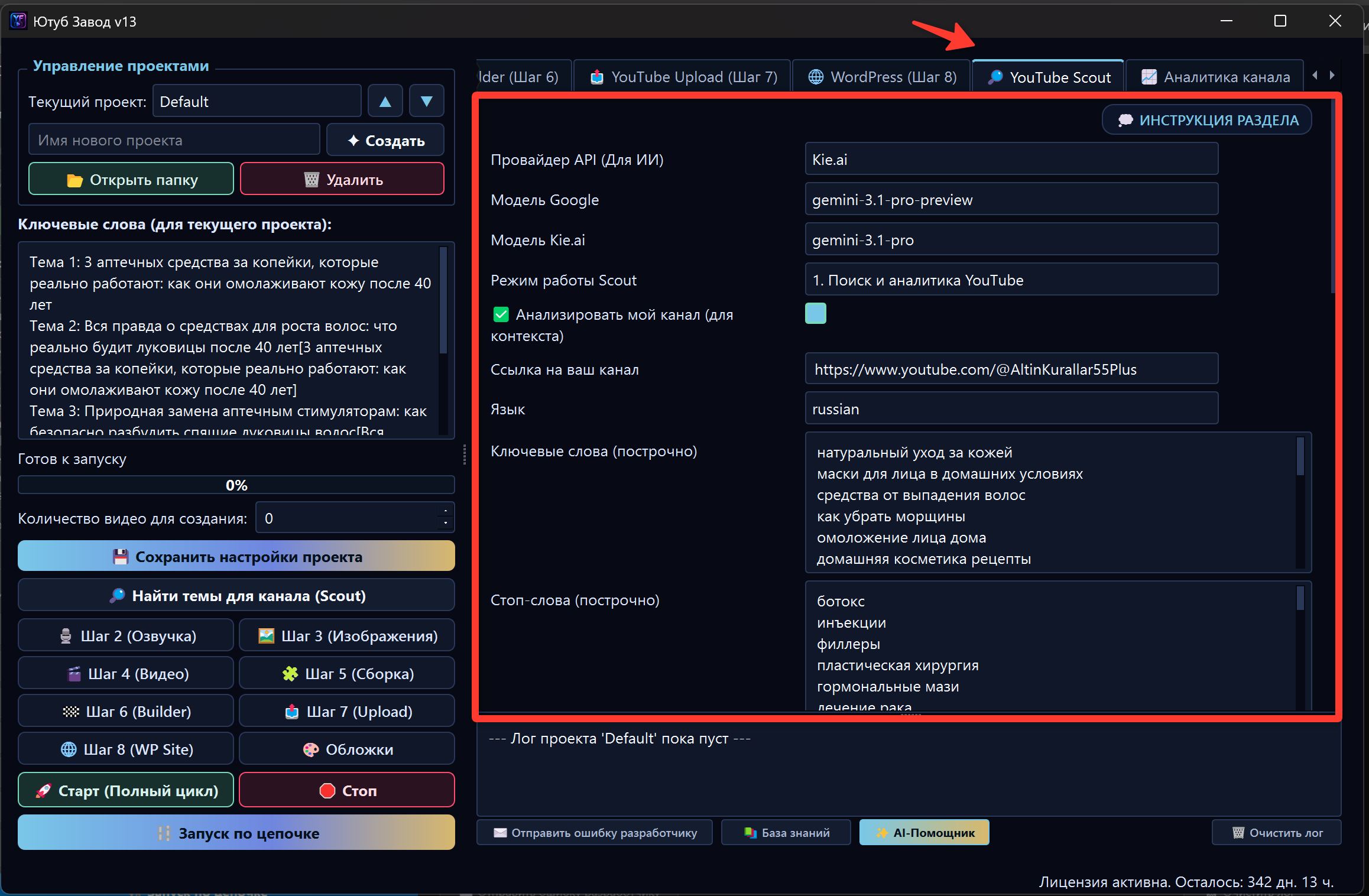
Before launching Scout, check:
- the correct project is selected;
- content language matches future videos;
- audience country is correct;
- keywords describe the niche specifically enough;
- stop words are not too broad;
- competitor links are relevant;
- YouTube API keys are added if YouTube analysis is used;
- FX balance is sufficient for AI operations.
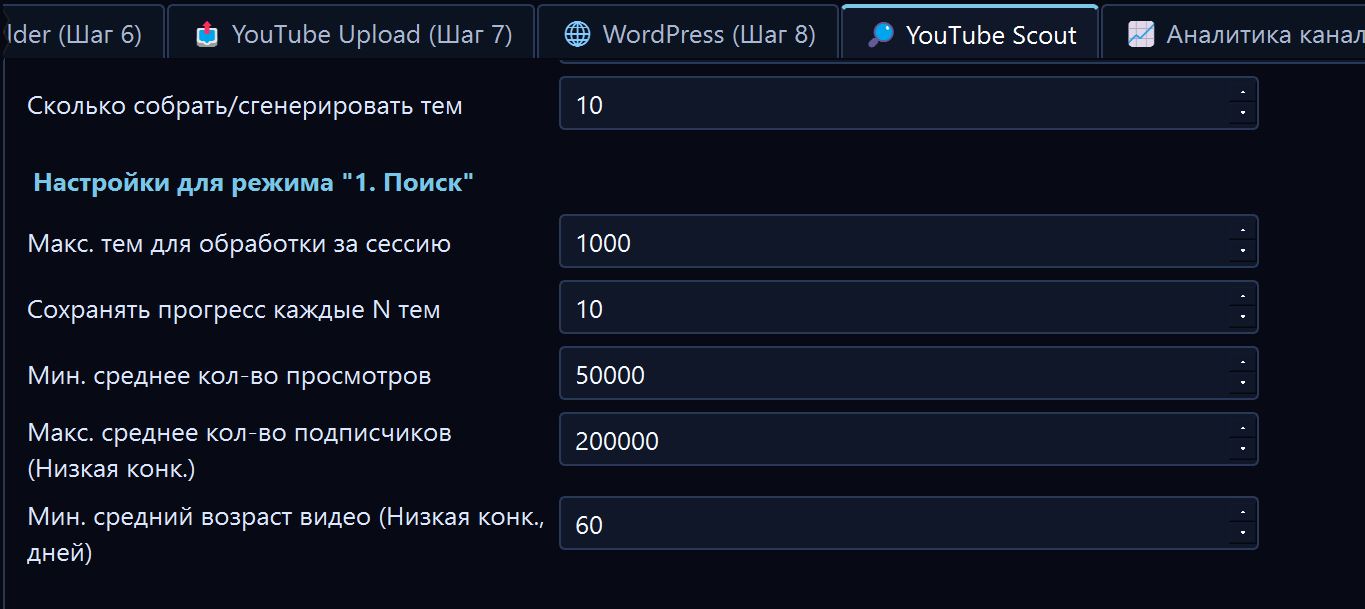
Keywords and stop words
Keywords help Scout understand the search direction.
Bad:
health
Better:
joint pain after 50
natural back pain relief
morning stiffness seniors
Stop words exclude unsuitable topics. But if stop words are too broad, Scout may reject almost everything.
Own channel analysis
If you already have a YouTube channel, you can give Scout its link. FOXI can then consider which topics worked better or worse for your channel.
This is useful when:
- the channel already has statistics;
- you want to continue successful formats;
- you need to avoid repeats;
- you want to know what your audience already watched.
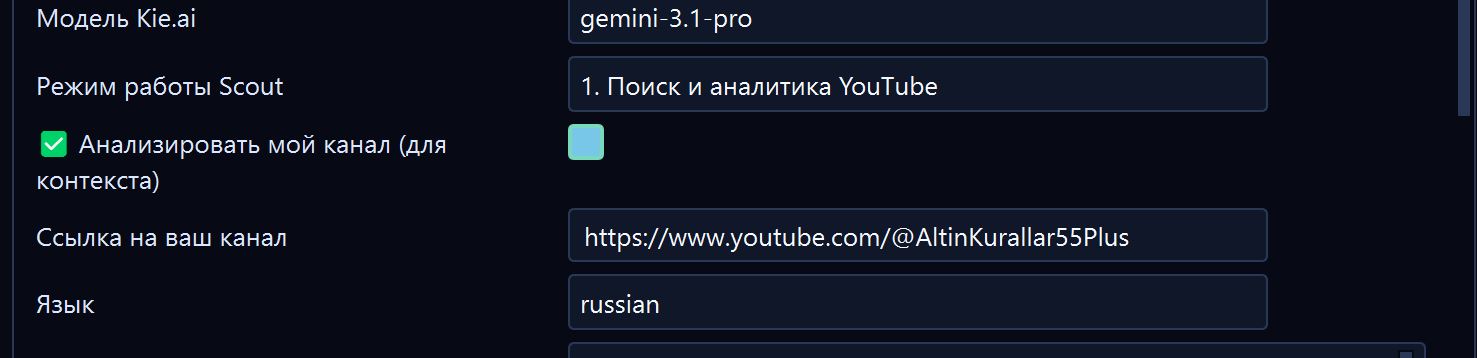
Launching Scout
After setup, click the topic search button. The log will show progress: data collection, filtering, AI evaluation, final topic selection, and adding topics to the queue.
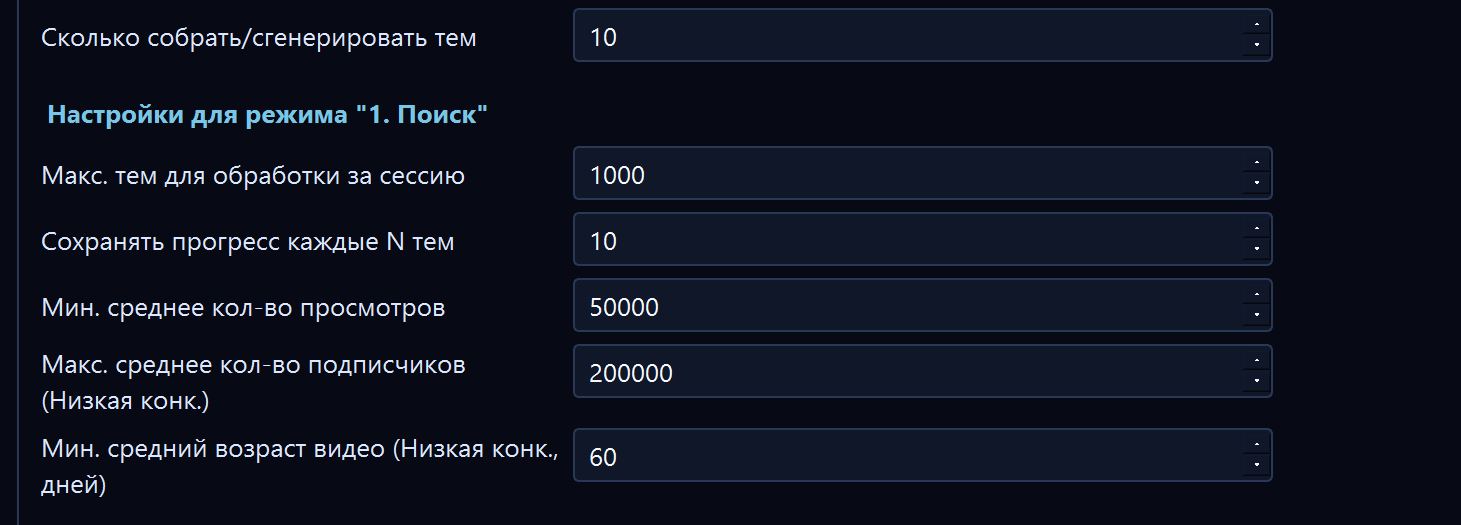
Do not run a huge search immediately if settings are not checked yet. Start with a smaller number of topics and review quality.
Scout results
After completion, Scout shows found ideas and can add selected topics to the queue on the left.
Review topics before launching full cycle:
- no duplicates;
- they fit your audience;
- no forbidden or risky topics;
- they are not too generic;
- they match the channel language;
- there is logic for a video series.
Smart topic linking
Sometimes topics may contain a connection to a previous video in square brackets:
How to Reduce Back Pain After 50
Morning Stiffness Warning Signs [How to Reduce Back Pain After 50]
This helps build a series: the next video can reference the previous one and keep viewers inside the channel.
If Scout found no topics
Possible reasons:
| Reason | What to check |
|---|---|
| YouTube API quota is exhausted | Google Cloud quotas and number of keys |
| Key is invalid | YouTube Data API v3 setup and key restrictions |
| Niche is too narrow | Broaden keywords |
| Filters are too strict | Relax minimum views, stop words, or video age |
| Project context is missing | Run AI Configurator or improve channel description |
| Wrong language/country | Check project settings |
Example AI Assistant request:
Scout found weak topics or no topics. Review project settings, keywords, country, and log, then suggest how to improve search.
Common mistakes
| Mistake | Why it is bad | Better approach |
|---|---|---|
| Using one YouTube API key | Quota runs out quickly | Prepare several keys from different projects |
| Writing generic keywords | Topics become blurry | Describe the niche more specifically |
| Using irrelevant competitors | Scout learns from the wrong audience | Choose similar channels |
| Adding all topics without review | Weak ideas enter the queue | Review results before launch |
| Ignoring language and country | Topics do not fit the market | Check settings before search |
What to ask the AI Assistant
- “Check Scout settings before launch.”
- “Why did Scout find no topics?”
- “Which keywords should I add for my niche?”
- “Which topics from this list should I keep?”
- “Help remove duplicates and weak ideas.”
- “How many YouTube API keys do I need for this search volume?”
Where to go next
After Scout, continue to channel analytics or the first production stage. If topics are already added to the queue, you can run a short full-cycle test.