Step 1 · Script Generation
01 · Text is the first production stage in FOXI Studio. At this step, a topic from the queue becomes the foundation of the future video: outline, script, improved text, titles, description, tags, and thumbnail ideas.
If the text is weak, every next stage becomes weaker too: voiceover reads a poor script, images are built from weak scenes, and the final video holds attention worse. That is why Step 1 is one of the most important stages in the whole pipeline.
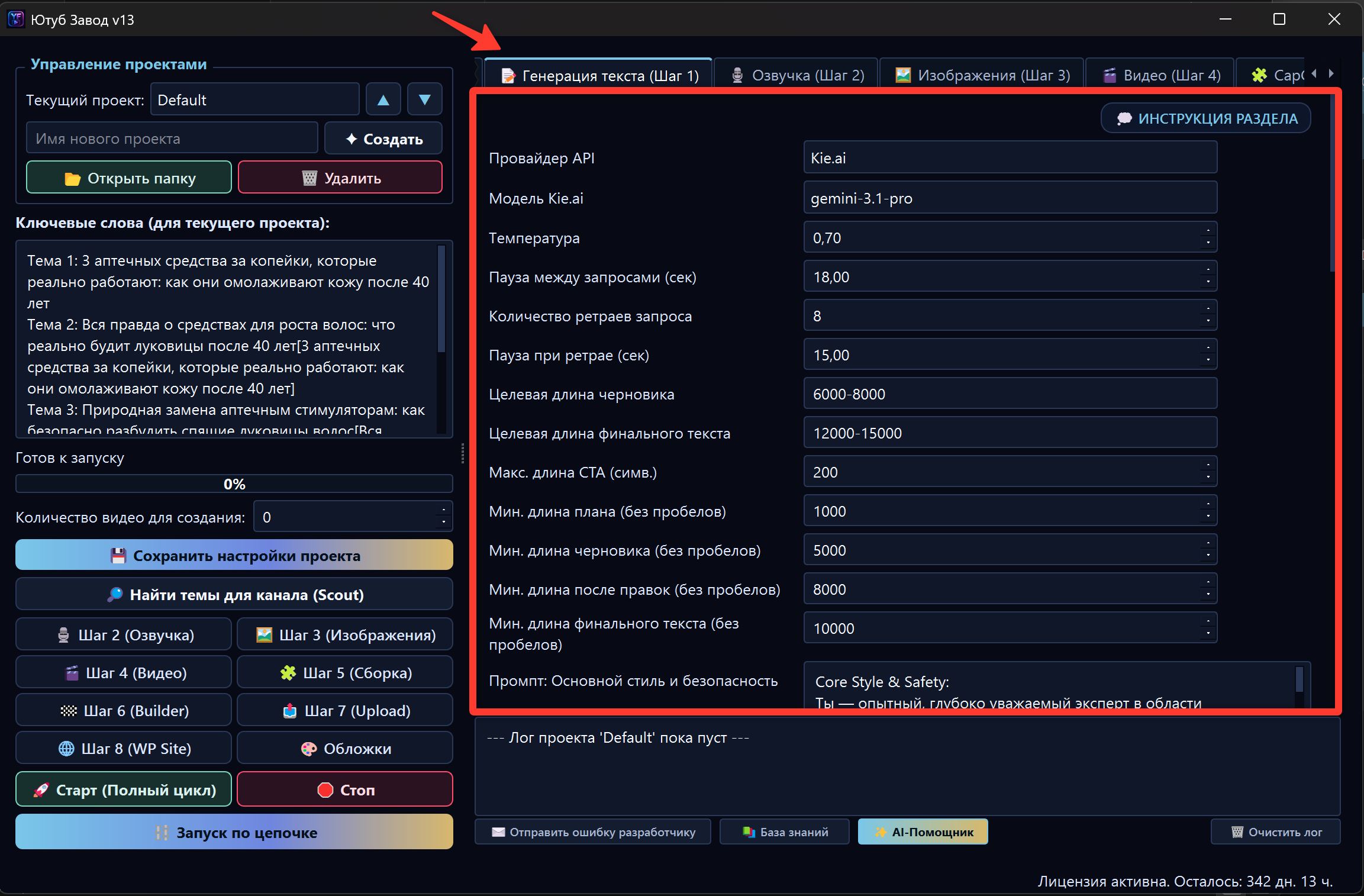
What Step 1 does
FOXI does not simply send the topic to a model once. The text stage works as a script pipeline.
It may include:
| Phase | What happens |
|---|---|
| Outline | The video structure is created: hook, blocks, topic logic |
| Draft | The first script version is written |
| Review | AI critic finds weak points, filler, repetitions, and mistakes |
| Apply Review | The script is rewritten using critique |
| Expand | The script is expanded to the required duration |
| Fact-check | Risky claims and facts are checked |
| Humanizer | Robotic phrases and AI clichés are reduced |
| Meta & Cover | Titles, description, tags, and thumbnail ideas are prepared |
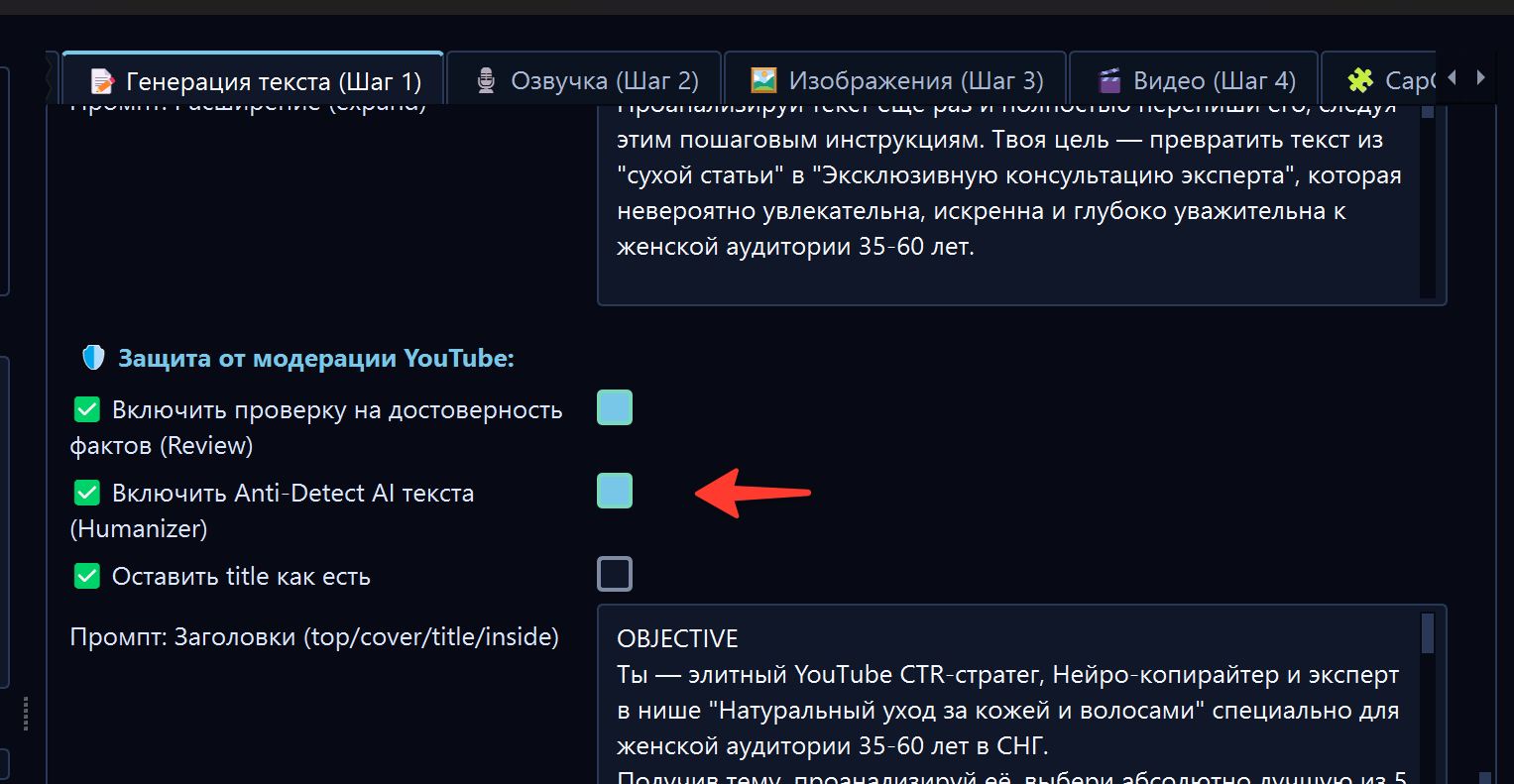
Not all phases are necessarily shown equally to the user. In the cloud/web interface, some prompts and technical details are hidden to keep the interface beginner-friendly.
Where the topic comes from
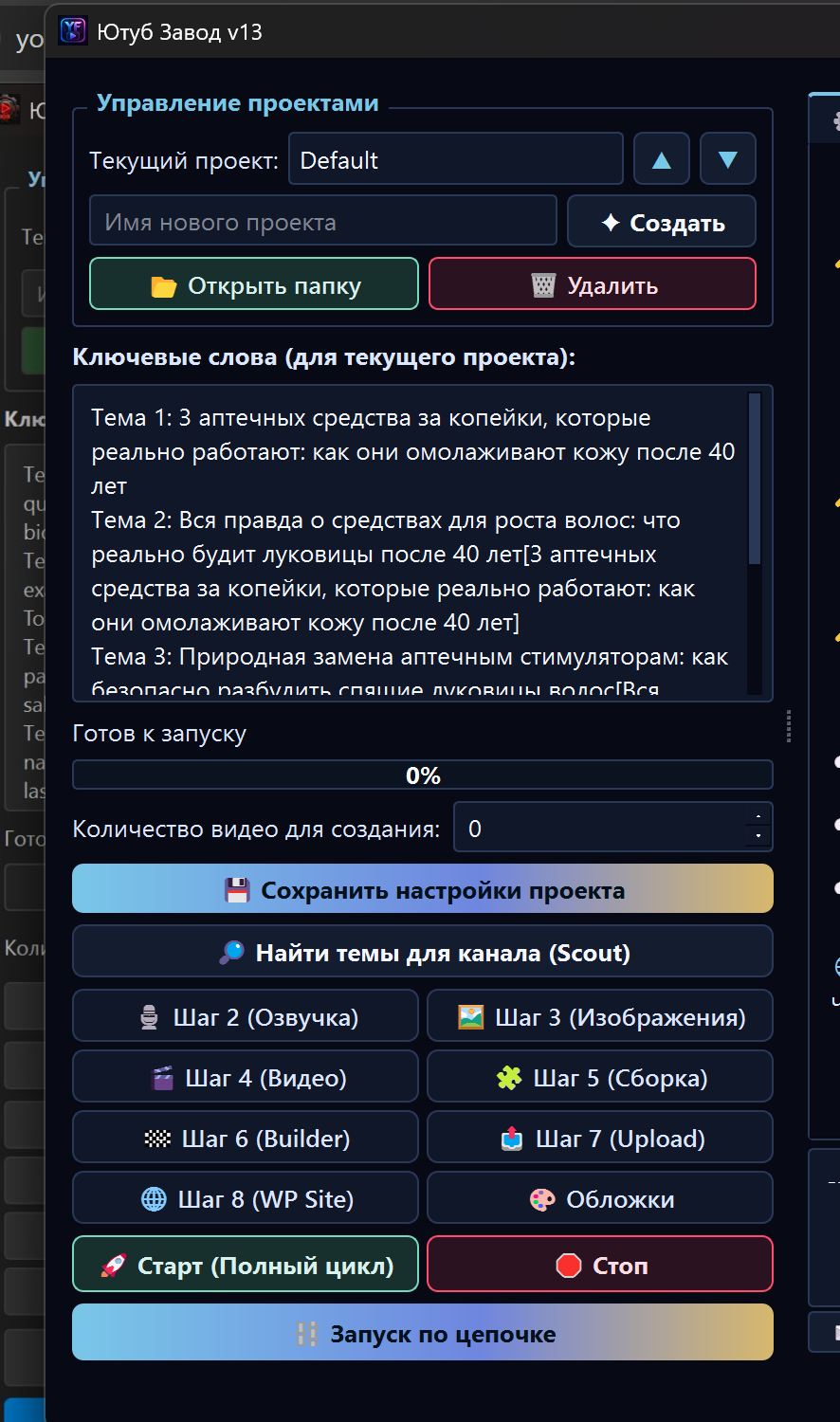
The topic is taken from the queue on the left. Usually FOXI takes the first line from the top.
Example queue:
The Lost City Under the Ocean
The Empire That Vanished Overnight
Why Ancient Maps Still Confuse Scientists
If a topic contains a connection in square brackets, FOXI can use it as a recommended video for internal linking:
Morning Stiffness Warning Signs [How to Reduce Back Pain After 50]
What beginners should configure
For the first test, you do not need to touch all hidden prompts. Usually it is enough to check:
- the correct project is selected;
- the queue contains a topic;
- content language is correct;
- video duration is reasonable;
- the selected model fits the task;
- Fact-check is enabled if the topic is risky;
- Humanizer is enabled if available on the plan;
- FX balance is sufficient.
Video duration
The average duration field helps FOXI understand how large the final script should be.
Simple rule:
| Goal | Recommendation |
|---|---|
| First test | 3–5 minutes |
| Normal long video | 8–12 minutes |
| Deep documentary format | 12–20 minutes if the niche supports it |
| Shorts | Use short-format settings if the project provides them |
The Free plan may limit duration. If the interface does not allow a larger value, it is a plan limitation, not an error.
Fact-check
Fact-check helps reduce fabricated facts and risky claims.
Enable it especially for niches like:
- health;
- finance;
- law;
- history;
- science;
- politics;
- education.
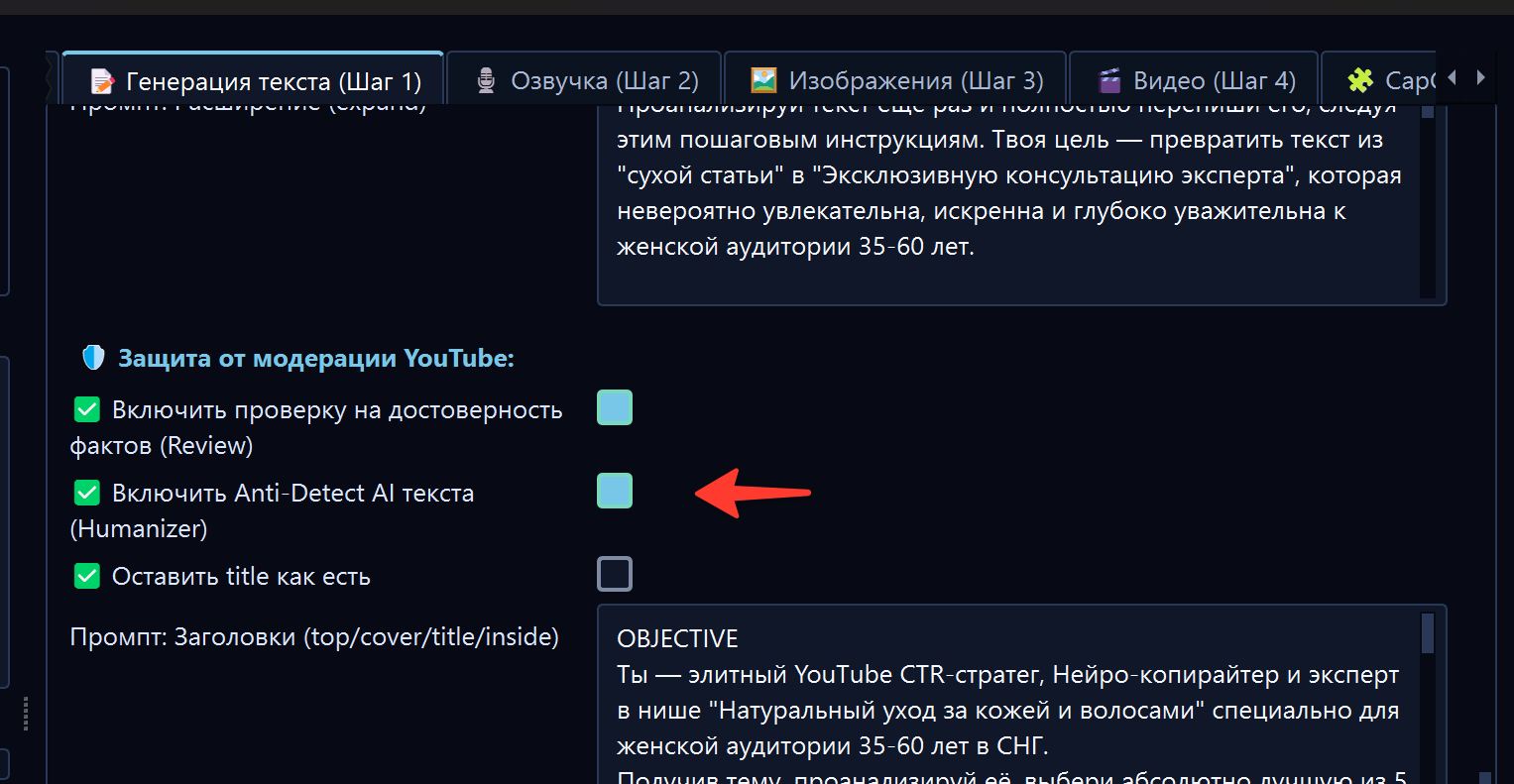
Fact-check is not legal or medical expertise, but it helps remove obvious hallucinations and overly confident claims.
Humanizer and text Anti-Detect
Humanizer helps make text less like a generic AI answer. It can remove clichés, improve rhythm, add more natural transitions, and reduce the robotic feeling of a script.
It is useful when scripts sound:
- too similar;
- too academic;
- full of repeated phrases;
- full of typical AI clichés;
- lacking natural pacing.
Do not enable or change everything without testing. If Humanizer changes the style too strongly, ask the AI Assistant to make the tone softer.
Main character in Step 1
Project character
A character is needed if you want videos to include a persistent hero, host, avatar, or recognizable visual persona.
There are three typical scenarios:
1. No persistent hero
Good for:
- historical facts;
- documentary style;
- list videos;
- educational content;
- space content;
- crime stories;
- channels where scenes and events matter more than a host.
2. Generate a hero
Good if you want recognition but do not have a ready character. FOXI will use the character description and add the hero to frames where it makes sense.
3. Upload a reference
Good if you already have an avatar, mascot, host, or brand character. In this case, upload the reference file and carefully configure appearance rules.

How often to show the hero
If the character is enabled, it is important to choose how often it appears.
| Mode | When to choose | Risk |
|---|---|---|
| Every frame | The channel is built around a host or character | Can become repetitive and block the scene |
| Only where needed by the story | Documentary, history, explanation format | Character appears less often |
For most informational channels, start with only where needed by the story.
Titles, description, tags, and cover ideas
At the end of Step 1, FOXI can prepare SEO materials:
- title options;
- YouTube description;
- tags;
- thumbnail text ideas;
- prompts for the future thumbnail.
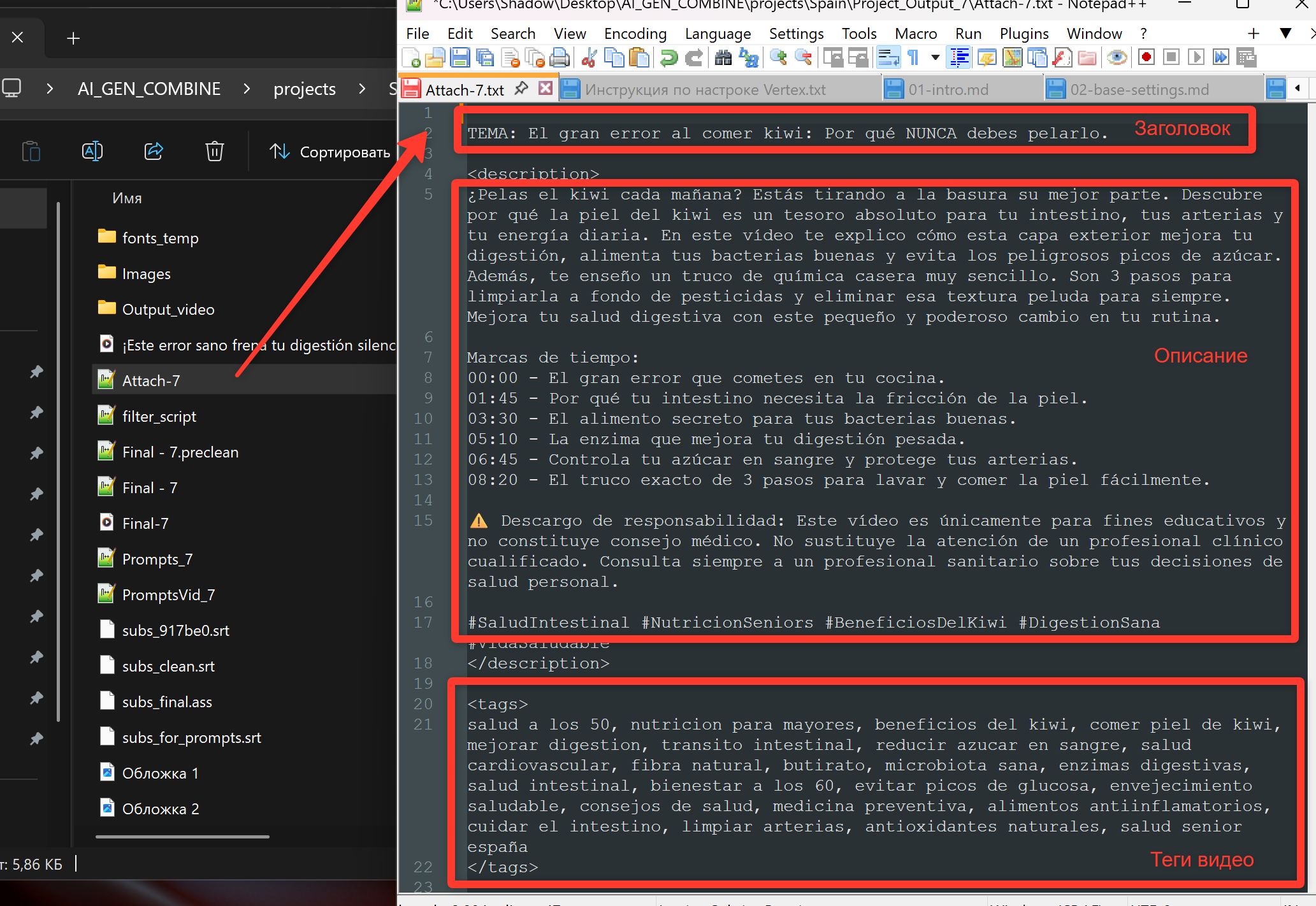
Review titles before publishing. A good title should be clickable, but it should not promise something the video does not deliver.
Step 1 prompts
In the cloud/web version, main Step 1 prompts are hidden from regular users. This is a safety measure because prompts are connected and contain system variables.
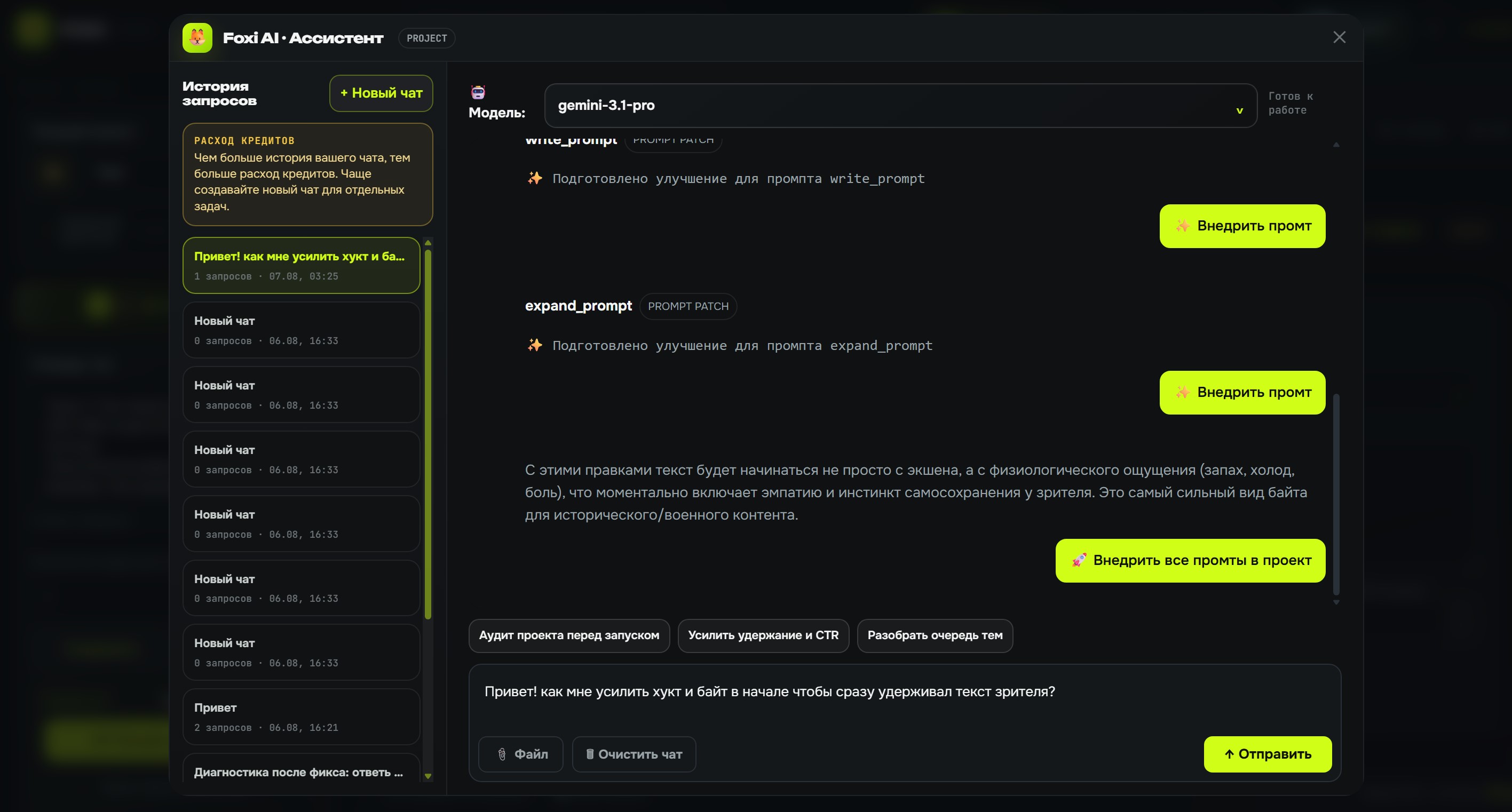
If you need to change script style, do not search for technical fields manually. Use the AI Assistant.
Example request:
Scripts take too long to enter the topic. Make the hook shorter, add intrigue in the first 20 seconds, and preserve prompt system variables.
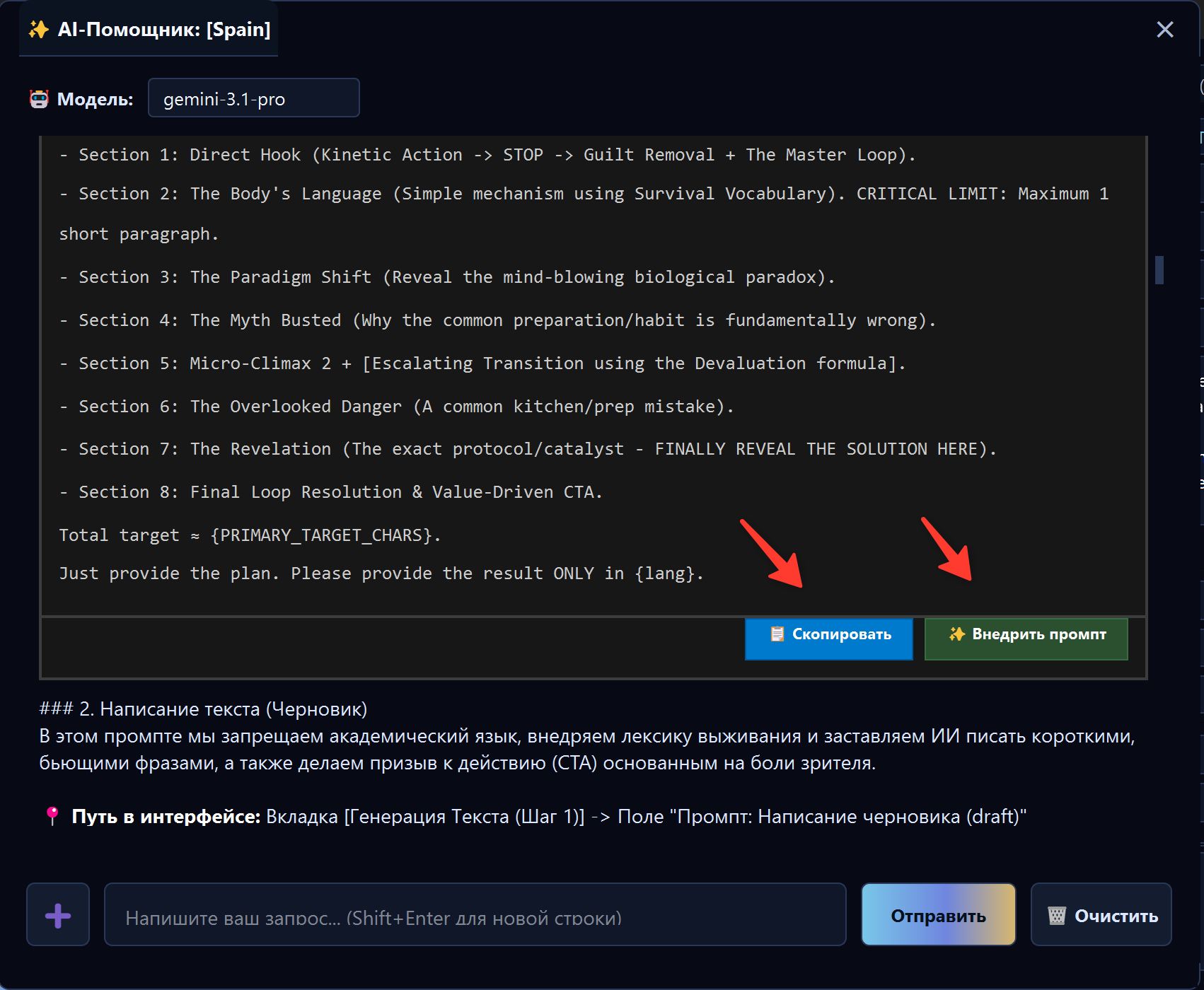
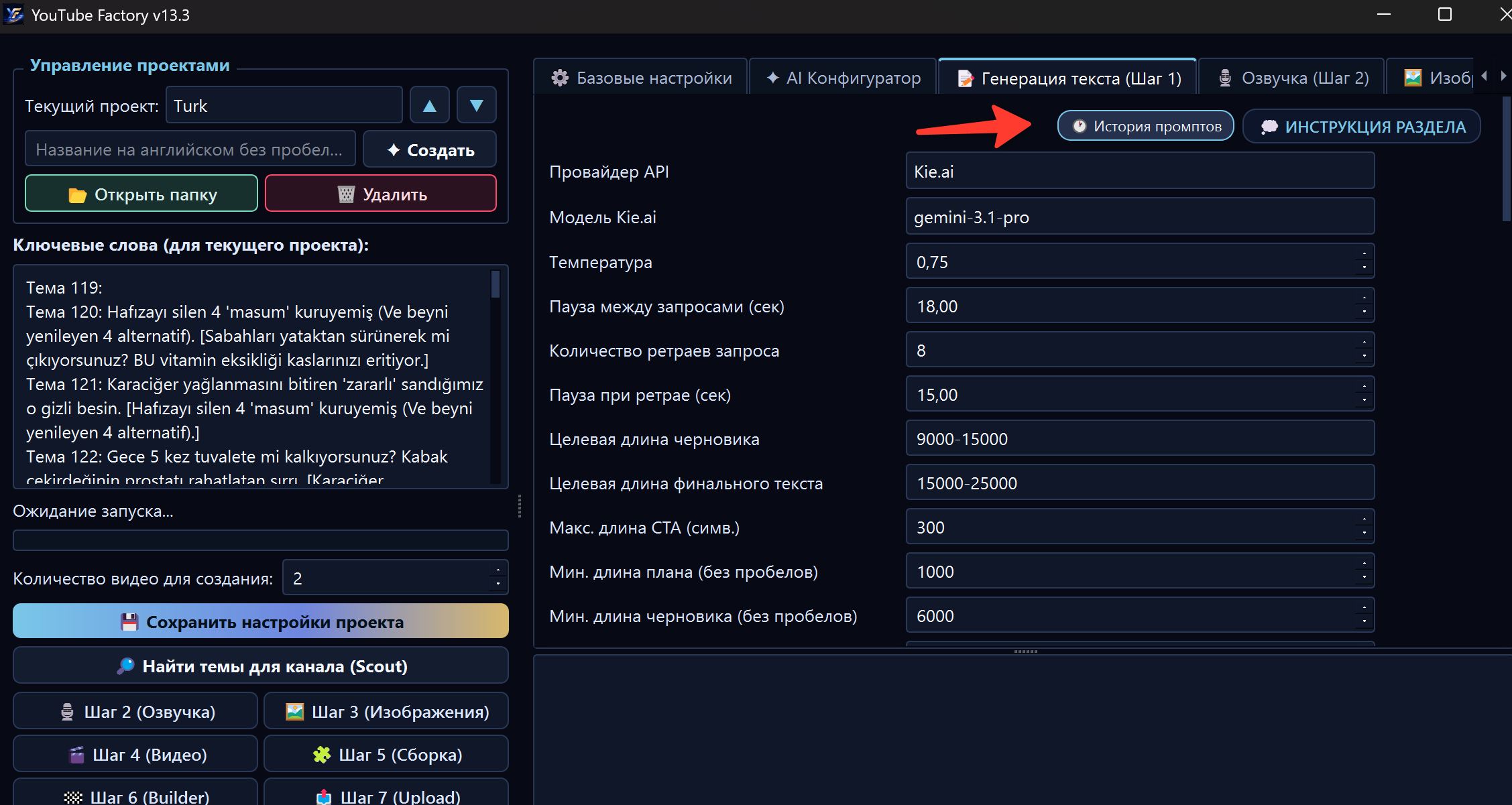
Prompt History
If the result becomes worse after changes, open 01 · Text → Prompt History and restore a previous version.
This is especially useful after:
- AI Configurator;
- edits through the AI Assistant;
- style experiments;
- hook logic changes;
- script tone changes.
Launching script generation
Run Step 1 separately if you want to check only the script before voiceover and rendering.
This is safe when:
- you test a new niche;
- you are unsure about prompts;
- you want to check script length;
- you need to evaluate tone and structure;
- you do not want to spend FX on later stages before checking text.
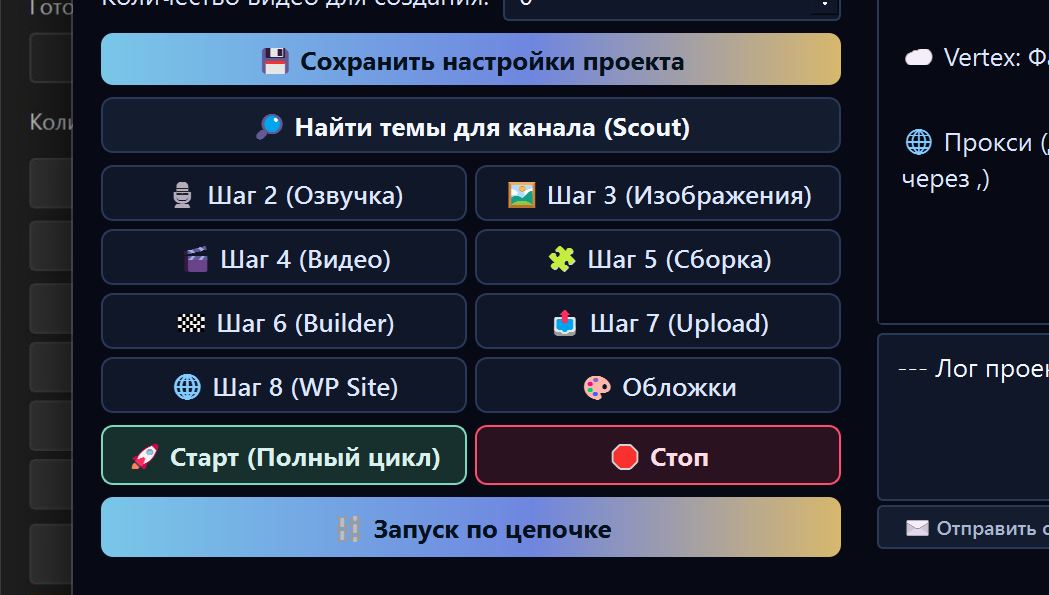
After launch, watch the log. It shows which phase is running and where the task stopped if an error happens.
What to do after completion
After successful completion, check:
- the script matches the topic;
- the text is not too short or too long;
- the first 30 seconds are engaging;
- there are no risky promises;
- there are no repetitions or filler;
- metadata fits the language and country;
- titles are not too clickbait-heavy;
- cover ideas match the video.
If the text is good, continue to voiceover. If not, do not launch the whole cycle yet; fix Step 1 first.
If the text is bad
Do not change everything at once. Describe the problem to the AI Assistant.
Examples:
- “The text is too generic, add more specific details and cause-and-effect logic.”
- “The script is too clickbait-heavy, make the tone more documentary.”
- “The hook is weak, suggest a new hook and change the opening rules.”
- “There are too many repetitions, improve rhythm and remove filler.”
- “Make the text simpler for a 50+ audience.”
Common mistakes
| Mistake | Why it is bad | Better approach |
|---|---|---|
| Running full cycle without checking text | A bad script ruins all later stages | Check Step 1 on one topic first |
| Setting a very long video for the first test | More expensive and harder to analyze | Start with a short test |
| Disabling Fact-check in risky niches | More chance of mistakes and risky claims | Enable fact checking |
| Editing prompts manually without understanding | System variables can break | Use the AI Assistant |
| Not reviewing titles | You may get clickbait or mismatch | Read title/description before publishing |
What to ask the AI Assistant
- “Review the script and tell me where it loses retention.”
- “Make the hook stronger but avoid cheap clickbait.”
- “Why did the text become too short?”
- “Which Step 1 settings should I change for documentary style?”
- “Check titles and choose the best one for a US audience.”
- “Preserve system variables and improve the script prompt.”
Where to go next
If the script is good, continue to Step 2 · Voiceover. In the next stage, FOXI turns text into a voice track for the future video.